Landscaping software from quote to invoice
Price the job from your list, the customer accepts online, and you invoice the build without retyping. No card needed.
- Free to start
- Works offline
- Web, iPhone and Android
- UK company
Built for jobs that take more than a day
Each of these works in TradeSender today.

Quote from your price list
Add lines from your own services, set VAT, a discount and a deposit for materials up front, and email the quote as a PDF. The customer accepts it online.
Book the site visit to measure up
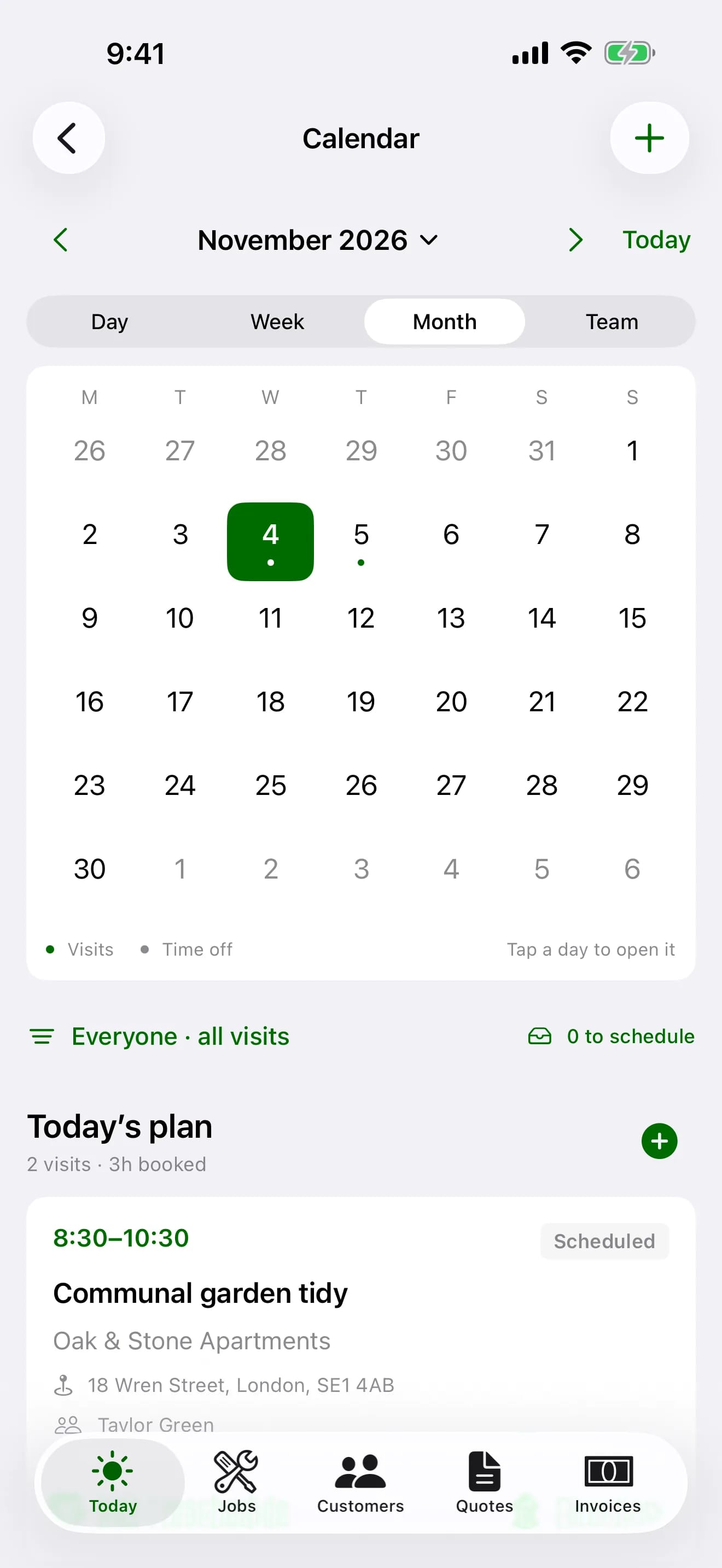
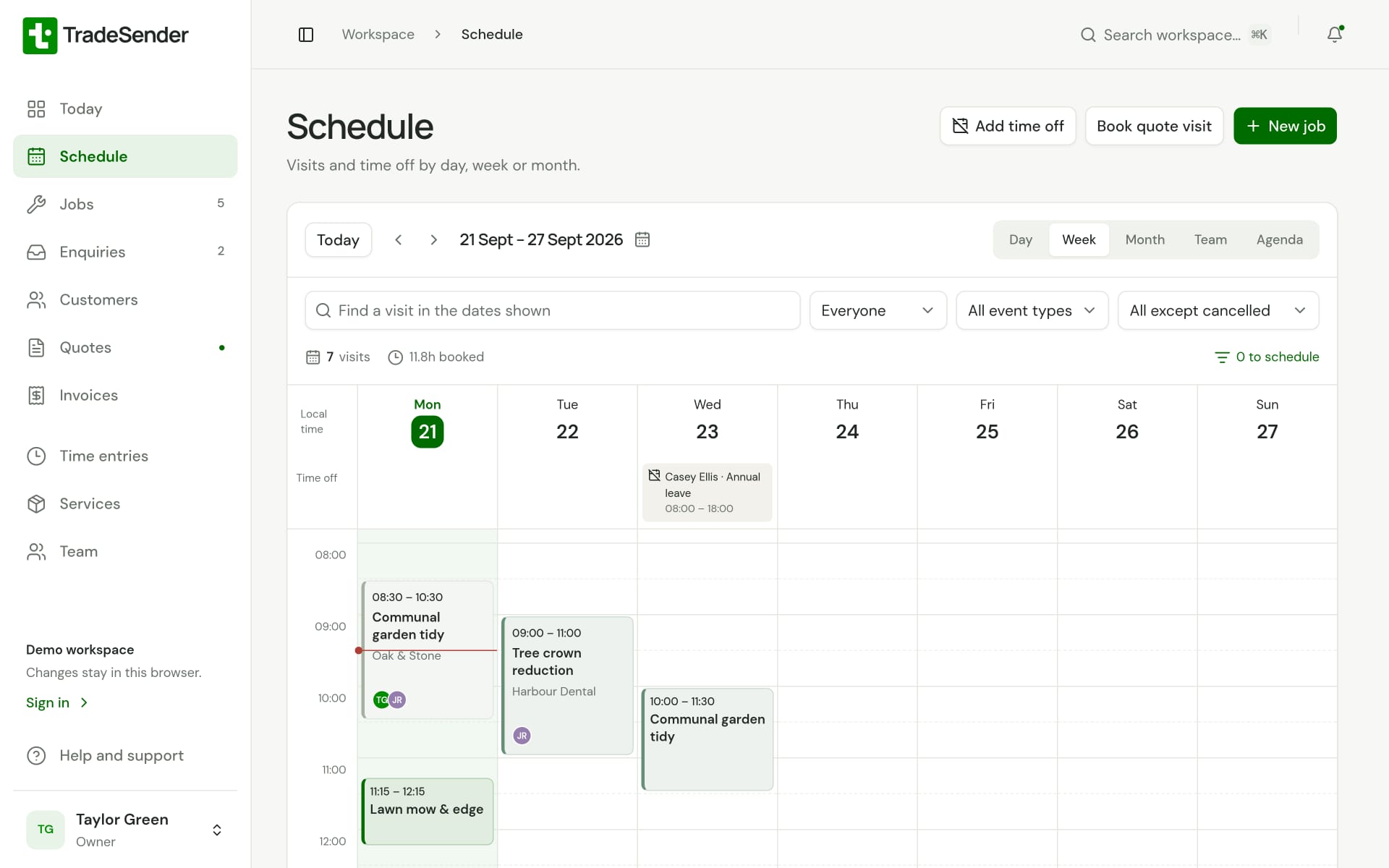
Put a quote visit in the calendar before you price the work, so the team sees it beside the rest of the week.
One job, as many days as it takes
Turn the accepted quote into a job with one tap, then add a visit for each day of the build and pick who goes.
Photos and hours on the job
Take before and after photos on each visit and clock time against the job, so you know how many hours the patio took.
Landscaping quoting software, from the site visit to the accepted quote
Book the site visit to measure up in the same calendar as the rest of the week, then build the quote from your own price list with VAT per line, a discount and a deposit for the materials. The customer accepts it online, the deposit is invoiced the moment they do, and the accepted quote becomes a job with one tap. Our guide to quoting landscaping jobs works through a patio with a worked example and a free template.
Jobs that run for days, and the maintenance round between them
A build gets a visit for each day, with who is going, the hours they clocked and the before and after photos. Many landscapers keep a maintenance book for the gaps between builds: round scheduling books those gardens once and fills the calendar. Enquiries arrive through the website enquiry form with photos of the garden. Our guide to the best landscaping business software in the UK compares TradeSender with Jobber, ServiceM8, Tradify and the UK newcomers, with prices in pounds.
Run your round in one app, from first quote to paid
Five steps on one record, so you type each job once.
Every customer and garden in one place
Contacts, properties, gate codes and access notes, ready on your phone when you pull up.
Learn more about customers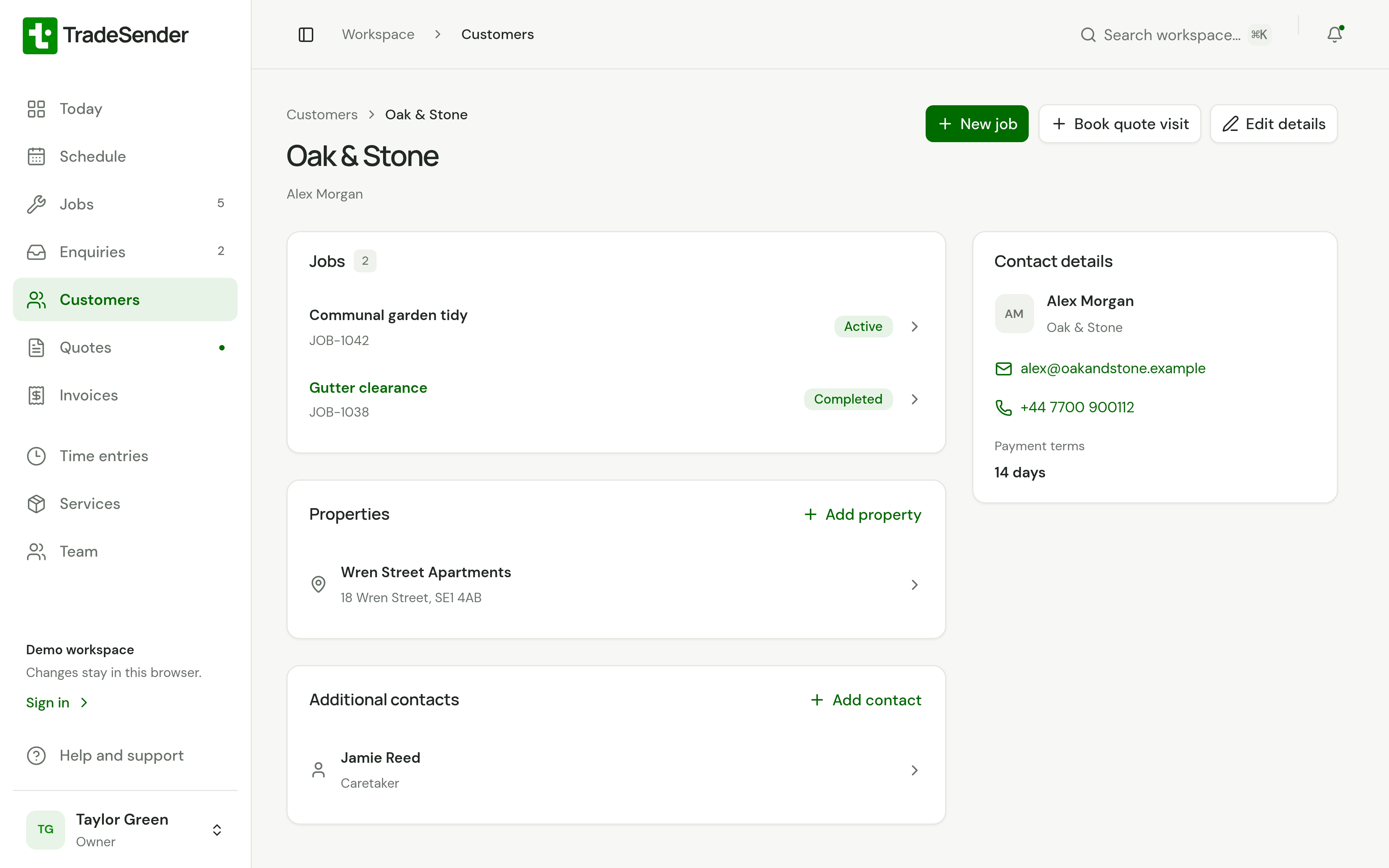
One price covers your whole team
Pro is £19 a month for up to five people, and you can cancel any time.
Pro
Recommended90% offFor a business running regular rounds
£1.90a month for 3 months, then £19
- Up to 5 people, unlimited visits, repeating rounds, automatic emails
- Customers, contacts and properties
- Quotes, jobs and invoices
- Calendar and time tracking
- Owner, office and field roles
- Web, iPhone and Android apps
- Photos on visits
Free
£0for good
1 person, 30 visits a month, no repeating visits or automatic emails
Questions before you start
- Does the Free plan cost anything?
- No. It has no time limit and you need no card. Free covers one person and up to 30 visits a month. Upgrade when you need more.
- Do I need another password?
- No. Sign up with Google or Microsoft and you are in. An email and password works too.
- Can I change plan at any time?
- Yes. Upgrade from Settings in the app, and change or cancel your plan from the Stripe billing page whenever you like.
- Is there a mobile app?
- Yes, for iPhone and Android, from the App Store and Google Play. Both keep your work on the phone, so they work without signal. The web app works in any phone’s browser too, and needs a connection.
- Does it work without signal?
- The iPhone and Android apps keep your work on the phone and save changes there first, then sync them when you are back online. Photos, PDFs, logos, emailing documents and plan changes need a connection; the apps send emails you write offline once you reconnect.
- Can customers pay invoices online?
- Yes, by card, once you connect your own Stripe account in Settings. Your customer pays from the invoice email, the invoice link or their portal, and the money goes to your Stripe account. Stripe charges its fees and we add none. It is on every plan.
- Can my customers see their quotes and invoices online?
- Yes. Each customer has a portal with their quotes, booked visits, finished work and invoices. The quotes and invoices you email sign them in, and there is no password. It is on every plan.
- Can I take enquiries from my website?
- Yes. Every workspace has an enquiry form. Share its link, put it on your website or use our WordPress plugin, and what people send arrives in TradeSender with their photos. It is on every plan.
- Does TradeSender have AI?
- Not of its own. You can connect the assistant you already use, such as Claude or ChatGPT, and ask it what is on tomorrow or who has not paid. It works with your access, and you can disconnect it whenever you like.
- Can I bring my existing customers?
- Yes. In Settings on the web you import customers and their properties from a CSV file, and see what the import will do before you run it. If you get stuck, send us the file and we will help.
Something else? Ask us.
Send your first quote today
Add a customer and price the job on your phone or computer. Free to start, no card needed.
Ask a question and we will show you round in ten minutes.