Lawn care software for UK mowing rounds
Set each lawn to weekly or fortnightly cuts, move them when it rains, and invoice the work. No card needed.
- Free to start
- Works offline
- Web, iPhone and Android
- UK company
Made for a mowing round
Each of these works in TradeSender today.

Book a lawn once
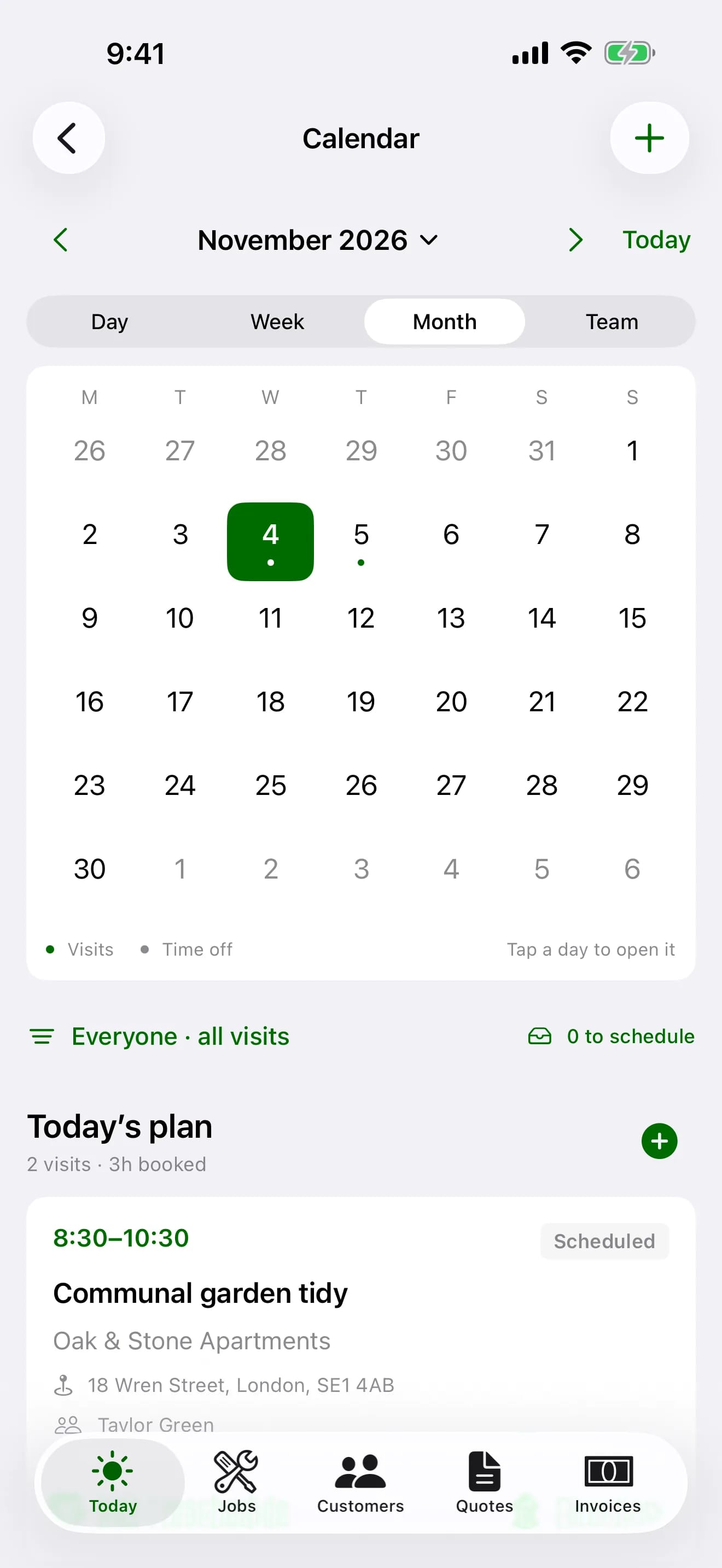
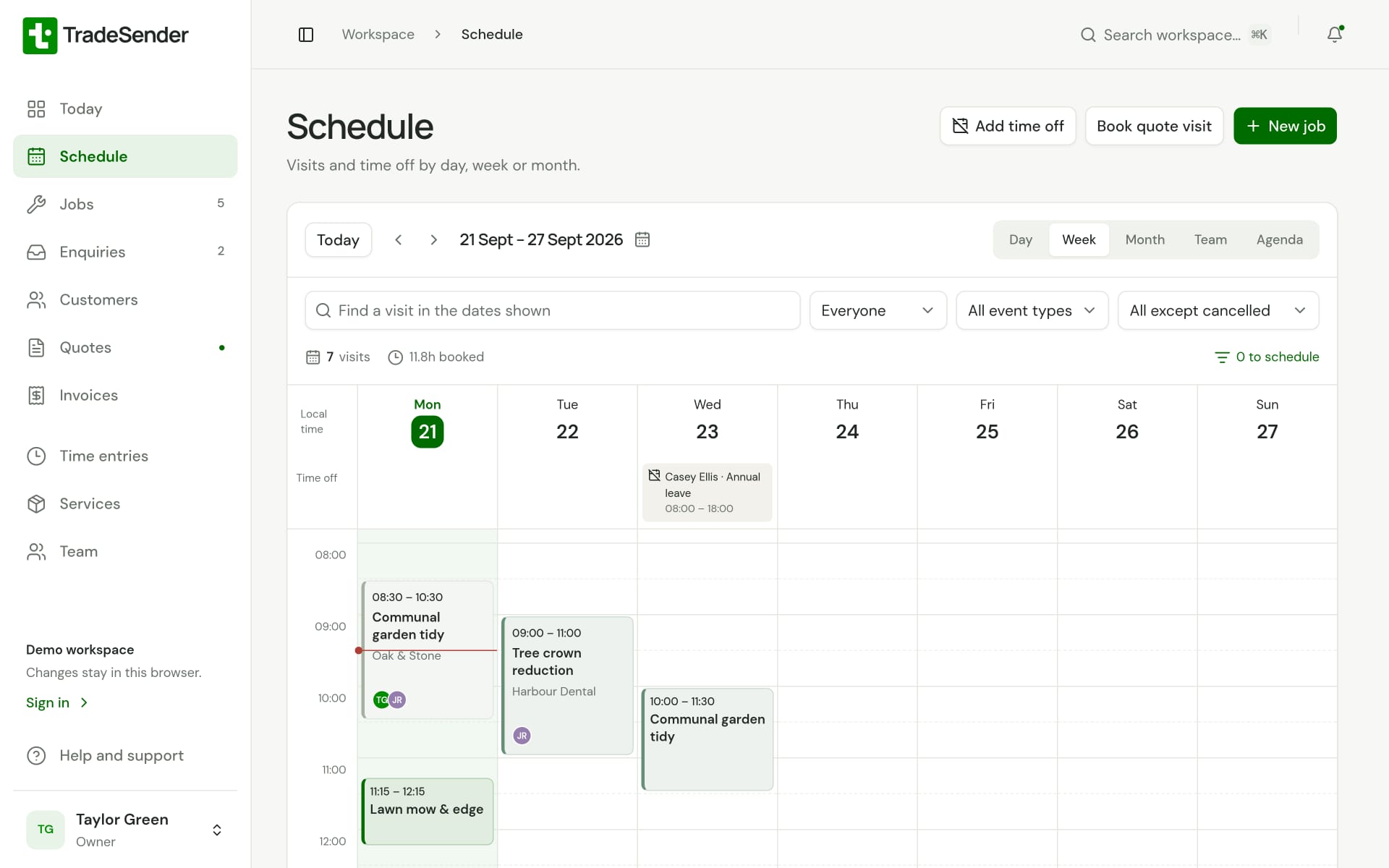
Set it to weekly, fortnightly or four-weekly, all year or only for the months you cut. TradeSender fills the calendar with the cuts.
Move one cut or the rest of them
After a wet week, drag a visit to a new day on the web and choose to move that cut alone or every cut after it. When a whole day is rained off, move all of its visits in one step and email the customers.
Invoice the cuts you finished
Raise an invoice per visit, or bill the round at month end and invoice every lawn in one run. Record bank transfers, card and cash as they arrive.
Gate codes without signal
The iPhone and Android apps keep your customers and their property notes on the phone, so the side-gate code opens in a lane with no signal.
Lawn care software built around round scheduling
A mowing round is booked once. Set each lawn to weekly, fortnightly or four-weekly, for the whole year or only the months you cut, and round scheduling fills the calendar with the cuts. When a day is rained off, move every visit on it in one step and email the customers. Each cut you finish goes on the invoice, visit by visit or once a month for the lot, and customers pay by card or, on Pro, by Direct Debit through your own Stripe account. Enquiries from your website or Facebook page land in TradeSender through the website enquiry form, and a new customer is one step away.
How it compares with Jobber, Tradify and ServiceM8
Our guide to the best lawn care software in the UK compares TradeSender with ServiceM8, Tradify, Jobber and the UK newcomers on price, repeating visits and invoicing, in pounds, and says where TradeSender does less. If most of your work is repeating cuts and you are one to five people, start free here: a new workspace has 30 days of Pro, repeating rounds included.
Run your round in one app, from first quote to paid
Five steps on one record, so you type each job once.
Every customer and garden in one place
Contacts, properties, gate codes and access notes, ready on your phone when you pull up.
Learn more about customers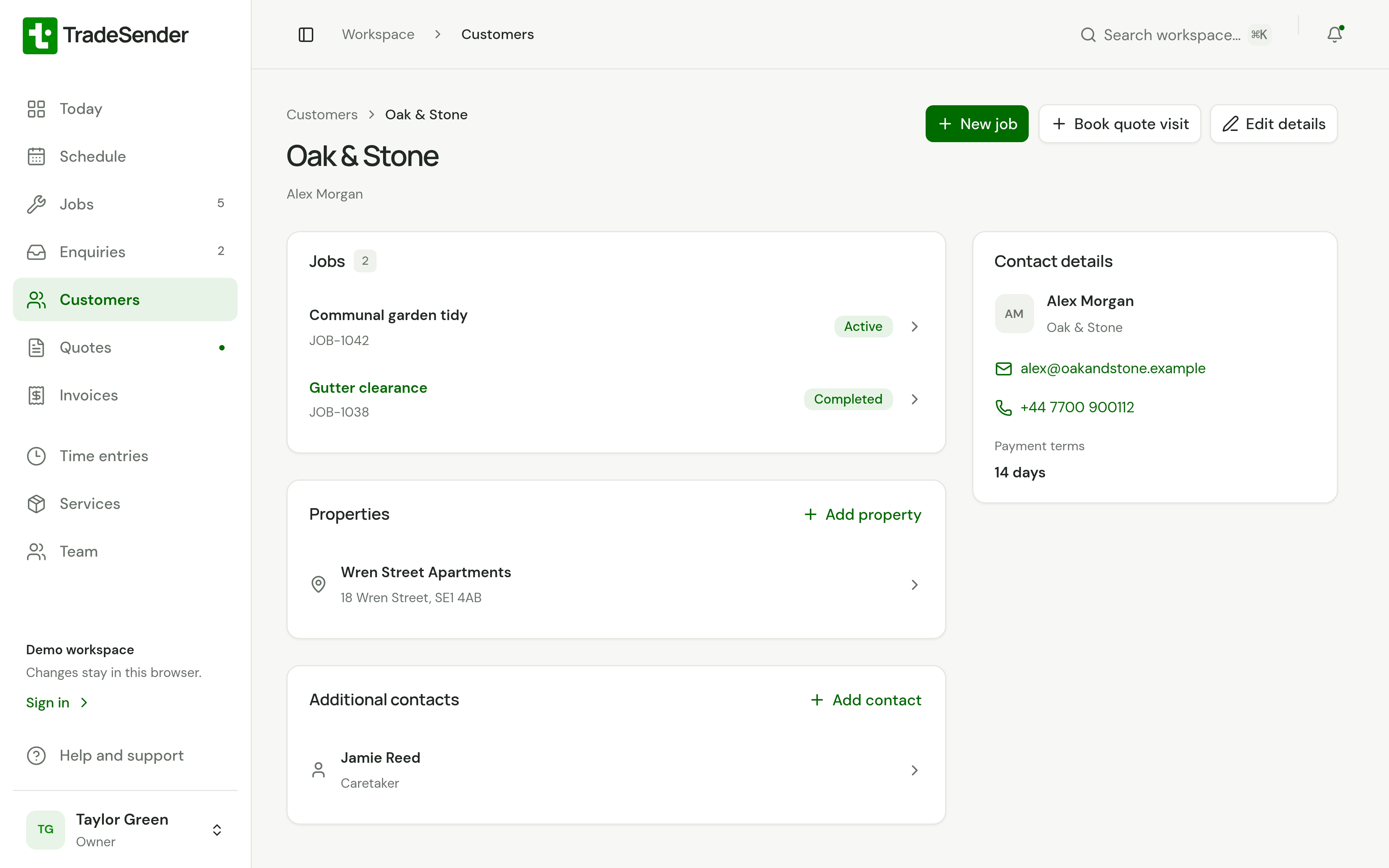
One price covers your whole team
Pro is £19 a month for up to five people, and you can cancel any time.
Pro
Recommended90% offFor a business running regular rounds
£1.90a month for 3 months, then £19
- Up to 5 people, unlimited visits, repeating rounds, automatic emails
- Customers, contacts and properties
- Quotes, jobs and invoices
- Calendar and time tracking
- Owner, office and field roles
- Web, iPhone and Android apps
- Photos on visits
Free
£0for good
1 person, 30 visits a month, no repeating visits or automatic emails
Questions before you start
- Does the Free plan cost anything?
- No. It has no time limit and you need no card. Free covers one person and up to 30 visits a month. Upgrade when you need more.
- Do I need another password?
- No. Sign up with Google or Microsoft and you are in. An email and password works too.
- Can I change plan at any time?
- Yes. Upgrade from Settings in the app, and change or cancel your plan from the Stripe billing page whenever you like.
- Is there a mobile app?
- Yes, for iPhone and Android, from the App Store and Google Play. Both keep your work on the phone, so they work without signal. The web app works in any phone’s browser too, and needs a connection.
- Does it work without signal?
- The iPhone and Android apps keep your work on the phone and save changes there first, then sync them when you are back online. Photos, PDFs, logos, emailing documents and plan changes need a connection; the apps send emails you write offline once you reconnect.
- Can customers pay invoices online?
- Yes, by card, once you connect your own Stripe account in Settings. Your customer pays from the invoice email, the invoice link or their portal, and the money goes to your Stripe account. Stripe charges its fees and we add none. It is on every plan.
- Can my customers see their quotes and invoices online?
- Yes. Each customer has a portal with their quotes, booked visits, finished work and invoices. The quotes and invoices you email sign them in, and there is no password. It is on every plan.
- Can I take enquiries from my website?
- Yes. Every workspace has an enquiry form. Share its link, put it on your website or use our WordPress plugin, and what people send arrives in TradeSender with their photos. It is on every plan.
- Does TradeSender have AI?
- Not of its own. You can connect the assistant you already use, such as Claude or ChatGPT, and ask it what is on tomorrow or who has not paid. It works with your access, and you can disconnect it whenever you like.
- Can I bring my existing customers?
- Yes. In Settings on the web you import customers and their properties from a CSV file, and see what the import will do before you run it. If you get stuck, send us the file and we will help.
Something else? Ask us.
Send your first quote today
Add a customer and price the job on your phone or computer. Free to start, no card needed.
Ask a question and we will show you round in ten minutes.