Activity
Every email your customers have been sent, by you, your team and TradeSender, in one list, newest first.
Activity lists every email your customers have been sent, newest first: what you and your team sent, and what TradeSender sent by itself. It is for owners and office members, in the sidebar on the web. In the iPhone and Android apps, tap the account button: it is in Settings, under Your business. This page follows the web.
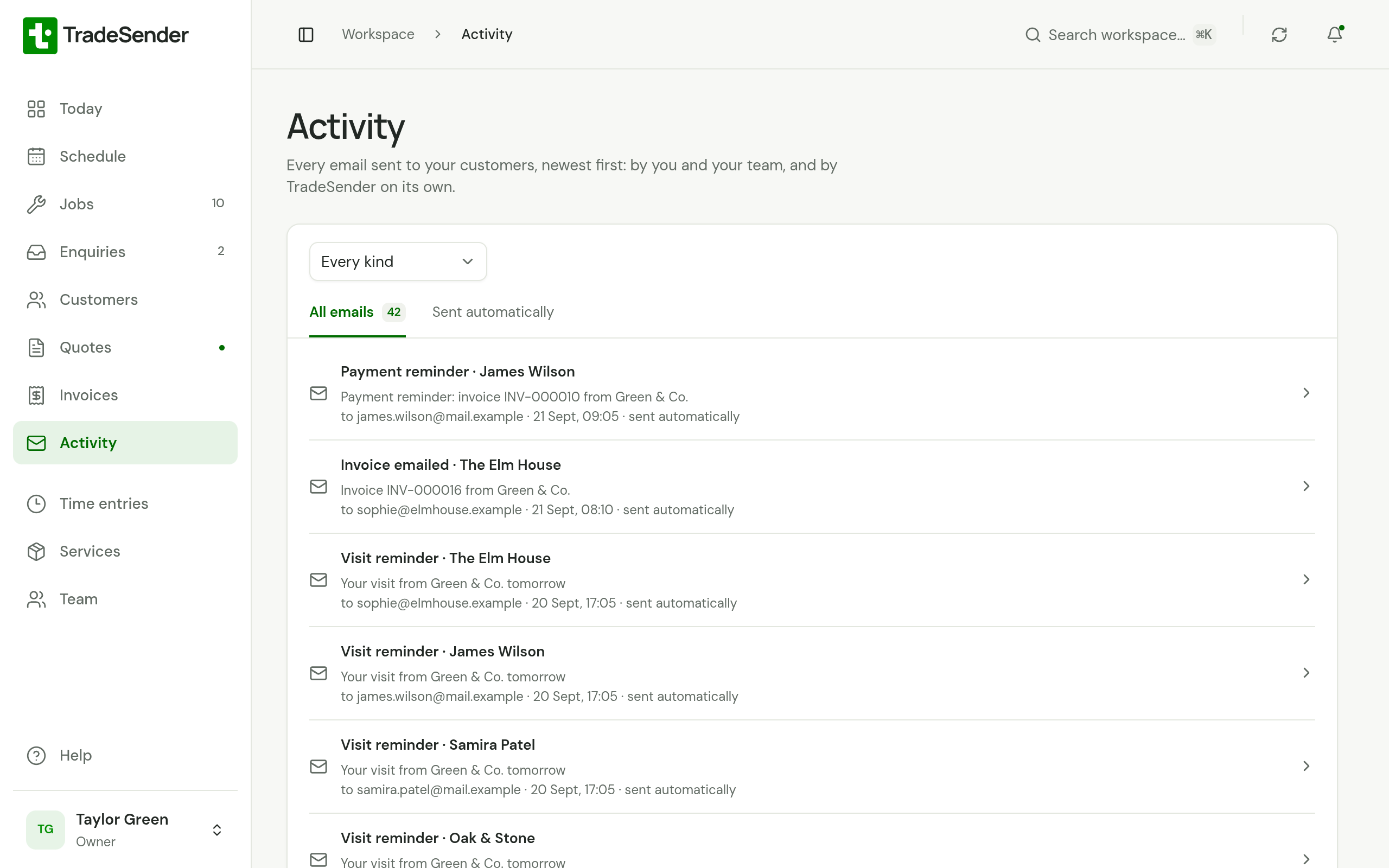
What each row says
Each row reads like this:
- the kind of email and the customer, such as Payment reminder · Oak & Stone
- the subject
- the address it went to, the day and time, and who sent it, or "sent automatically" when nobody did
Choose a row to open the invoice, quote or visit it was about, or the customer when it was about none. The kinds of email are the ones Sent on a customer's page uses: see What has been sent.
Narrow it down
- All emails lists everything. Sent automatically lists only what nobody sent by hand: the automatic emails, a deposit invoice sent as a customer accepted a quote, and the email when a Direct Debit fails.
- Kind of email keeps one kind, such as Payment reminder. Every kind shows them all again.
The latest 20 show first. Show more adds older ones underneath.
Good to know
- Activity lists what TradeSender sent, not what arrived. An email that bounced still shows.
- Emails sent before October 2026 are not in it, as they are not under Sent.
- To hear what went without looking, switch on Email me what was sent each day: see Hear what went.
- Activity needs a connection in the phone apps. It is not kept on the phone.
Checked against the app on 29 October 2026. Still stuck? Ask usAsk us.