Share a form link
Copy the link to an enquiry form TradeSender hosts for you, and put it wherever people find your business.
The form link opens an enquiry form that TradeSender hosts for you. You do not need a website to use it. Owners and office members copy the link from Settings, on the web or in the iPhone or Android app.
Copy the link
-
Open Settings, then Website and portal.
-
Beside Share a link, choose Copy link.


The link is your form's own address, ending in your form key:
https://app.tradesender.co.uk/#/enquiry/YOUR_FORM_KEY
In the iPhone or Android app, tap the account button, then Website and portal. Under Enquiry form, tap Share the link to send it from the phone's share sheet, or Copy the link.
Where to put it
The link works anywhere that takes one:
- your Facebook page or another social profile
- your Google Business Profile
- a button on your website
- a text or an email, when someone asks for a price and you want the details and photos first
- a QR code on your van or a flyer. Any QR code maker turns a link into one.
The link stays the same until you replace the form's address.
What the person sees
The link opens a page with your logo, your business name and "Send us an enquiry" above the form. They need no account and no password. The logo is the one you added for quotes and invoices in Settings, then Quotes and invoices.
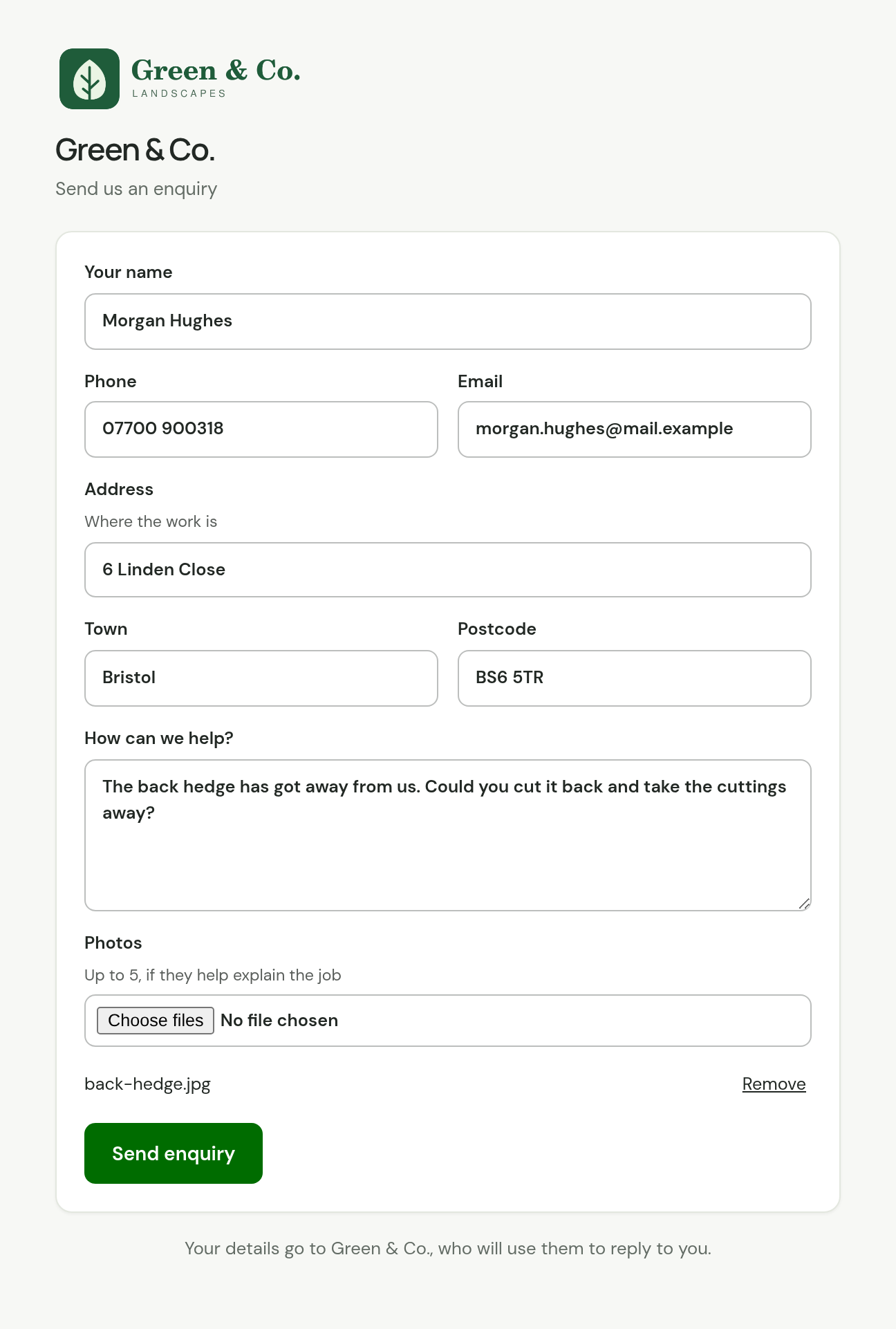
| Field | What they enter |
|---|---|
| Your name | Their name. The form will not send without it. |
| Phone and Email | One of the two is needed. |
| Address, Town and Postcode | Where the work is. |
| How can we help? | Their message. |
| Photos | Up to 5, if they help explain the job. |
Beneath the form the page says who gets their details: "Your details go to Green & Co., who will use them to reply to you."
If they leave out their name, the form says "Add your name." With no phone number and no email address it says "Add a phone number or an email address."
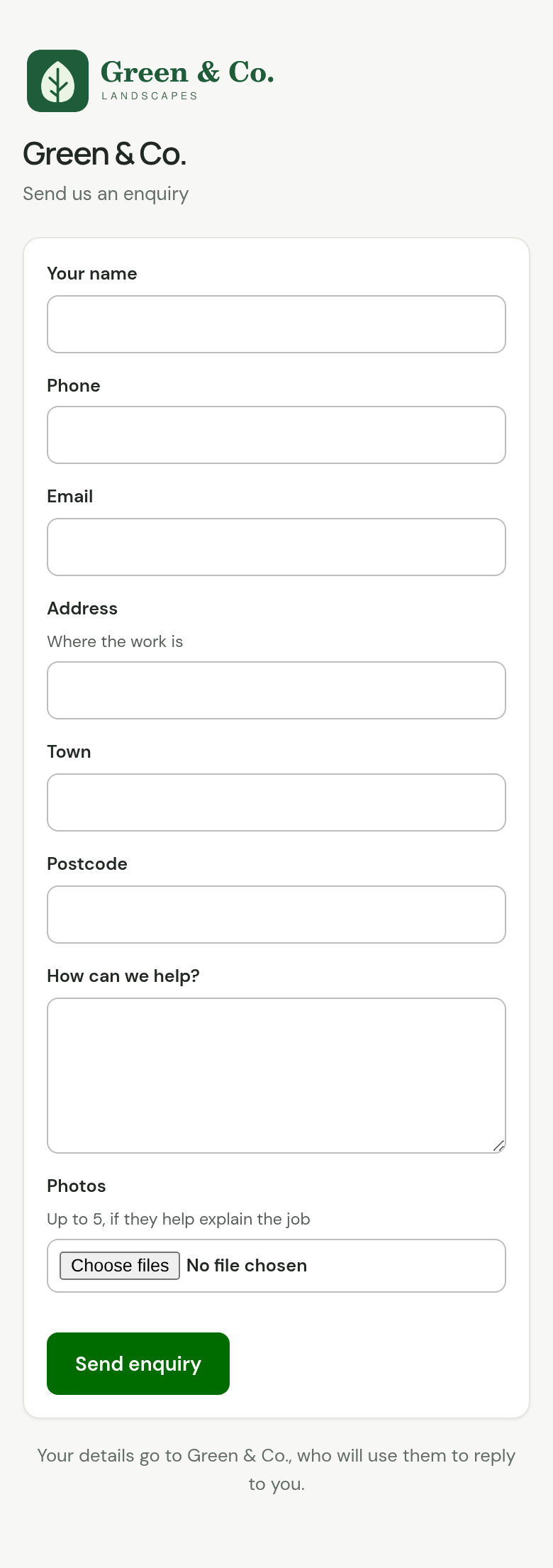
On a phone the fields stack in one column.
After they send it
They choose Send enquiry. In place of the form they see "Thanks, your enquiry has been sent." and "We'll be in touch soon."
TradeSender does not email them a copy or a reply. You get the email and the enquiry: see Work an enquiry.
If the link stops working
When a form's address has been replaced, its old link opens a page headed "This form isn't in use". The page tells the person to ask you for the new link or to contact you another way. Copy the new link from Settings and put it wherever the old one was.
Checked against the app on 29 October 2026. Still stuck? Ask usAsk us.