Quote visits
Book a visit to look at the work before you price it, then turn what you found into a draft quote.
A quote visit is a trip to look at the work before you price it: measure up, check the access, talk it through. It goes in the calendar like any other visit, but it belongs to a customer and has no job, and it is never invoiced. Owners and office members book quote visits, on the web and in the iPhone and Android apps. A technician on the crew sees it in their day and can start and finish it. This page follows the web.
Book a quote visit
-
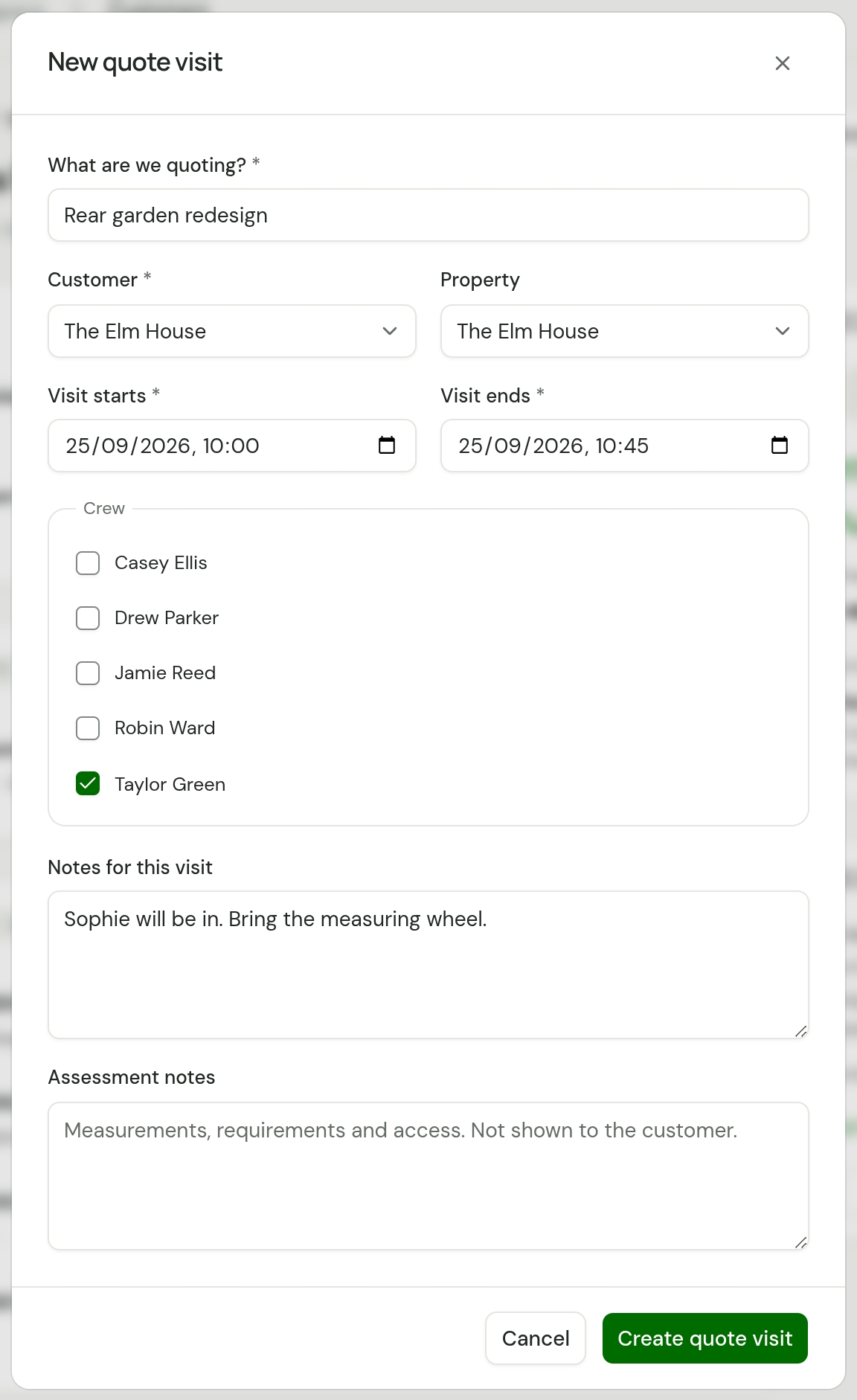
Open the customer and choose Book quote visit. Schedule has the same button, and there you pick the customer in the form.
-
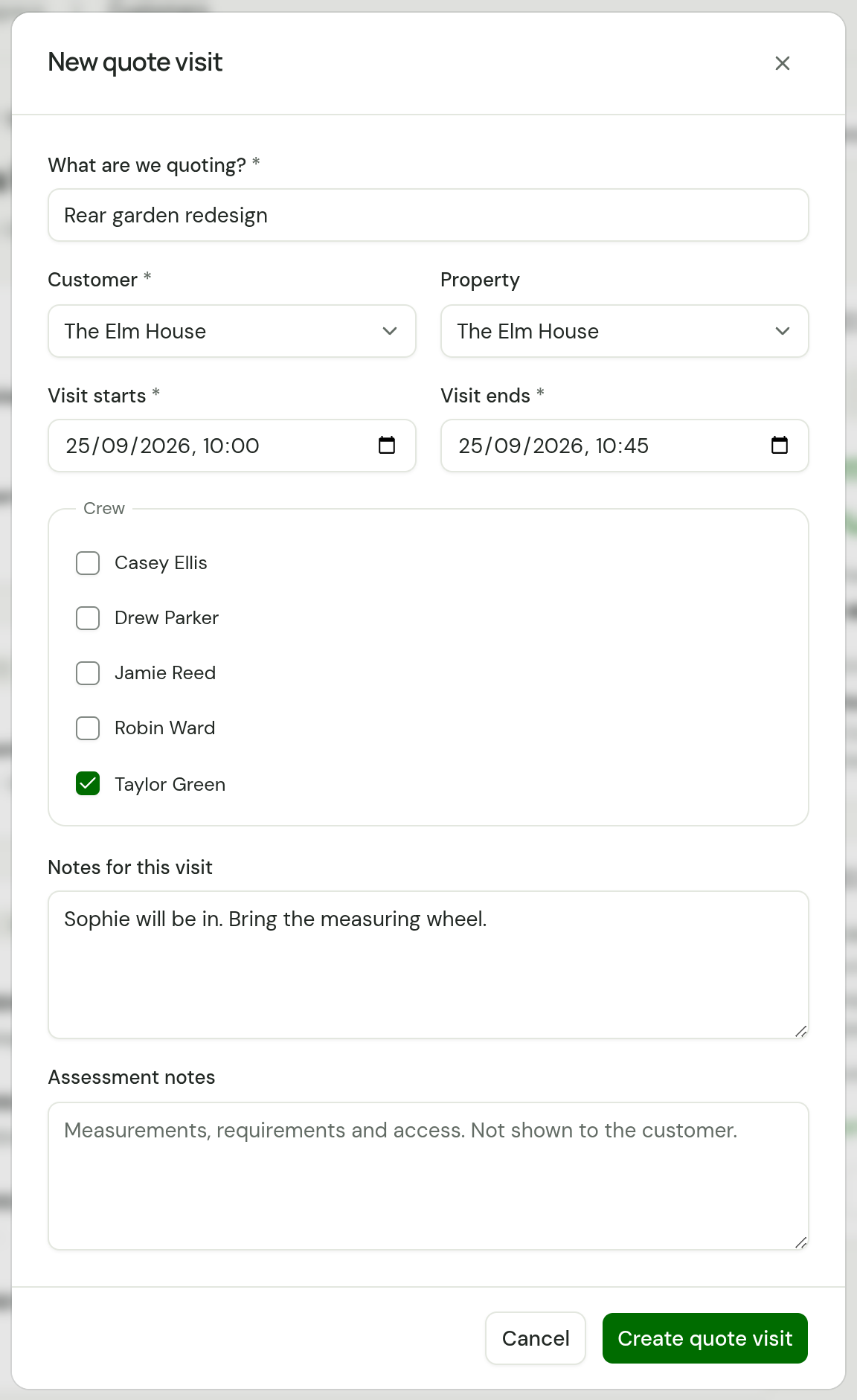
Under What are we quoting?, say what the work is, such as "Rear garden redesign". This names the visit and, later, the quote.
-
Check the Customer and choose the Property.
-
Set Visit starts and Visit ends, and tick who is going under Crew.
-
Put anything the person going needs to know in Notes for this visit.
-
Choose Create quote visit.
For someone who wrote in through your website form, make them a customer first, then book the visit from their page. See Work an enquiry.
Where it shows
- Schedule. It sits among the other visits, marked Quote visit. To see these alone, choose Quote visits in the event type filter.
- Today. It is in the day's visits for everyone on the crew, with Start and then Finish beside it.
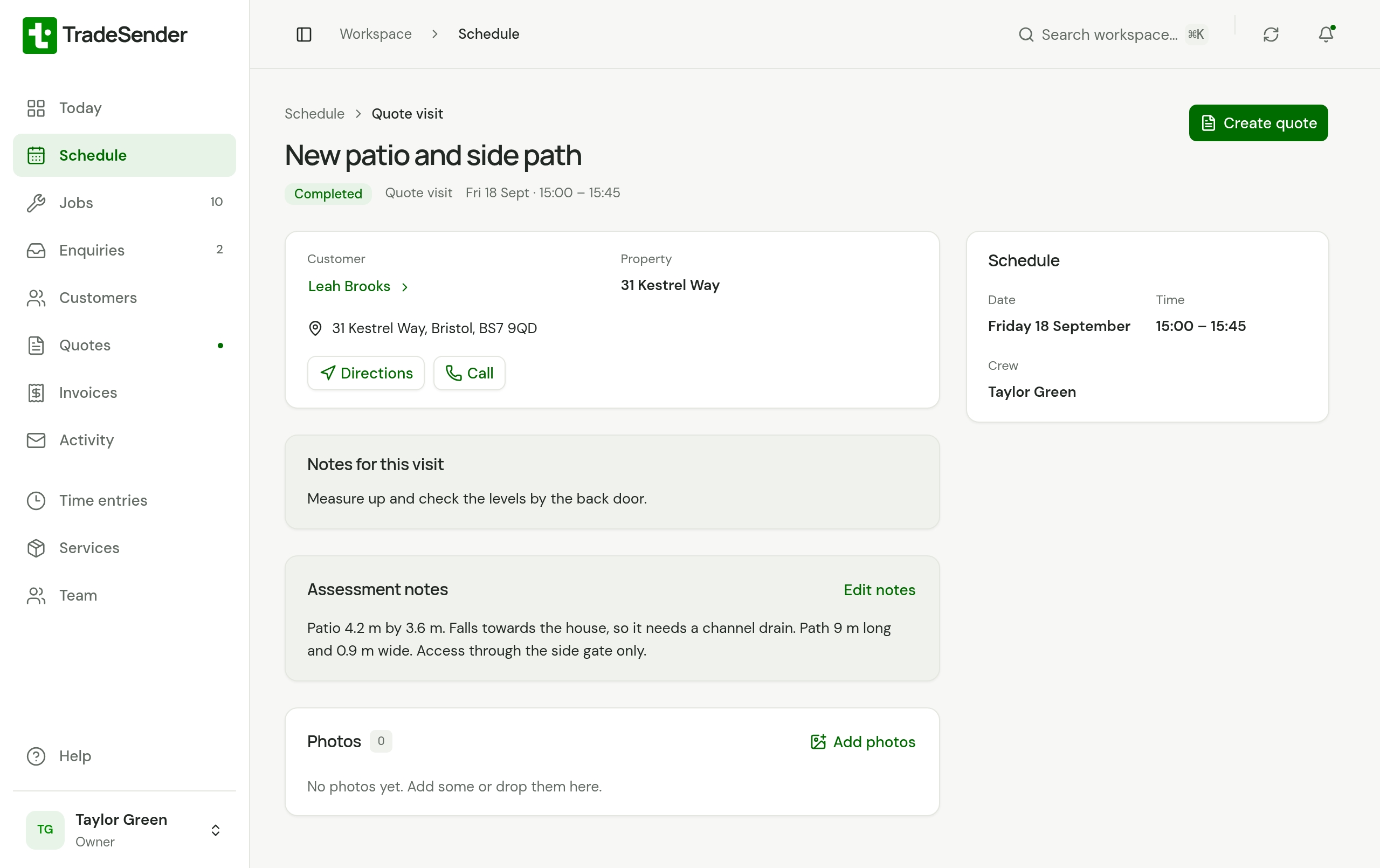
- Its own page. Choose the visit anywhere to open it. The page has the address with Directions, the customer's number under Call, the property's access notes and Photos.
A quote visit has no job, so it is not on the Jobs page.
On the visit
Choose Start visit when you arrive. As on any visit, that starts your timer.
Write what you find in Assessment notes: measurements, what the customer wants, access. These notes are for your team and are not shown to the customer. The visit's page has an Assessment notes panel with Add notes, or Edit notes once there are some. Anyone on the visit's crew can use it, a technician included, before the visit is finished or after. The phone apps have the same section.
Finish it and write the quote
-
Choose Finish visit. Check Finished at, add Completion notes if you want them, and choose Finish visit.
-
The visit now reads Completed and shows Create quote. It is also listed under Needs attention on Today as Ready to quote.
-
Choose Create quote. TradeSender makes a draft quote for the same customer and property, with the visit's title, and opens it.
-
Choose Edit details, add the lines and price them. Valid until starts 30 days from the day the quote was made. Then send it: see Create and send a quote.
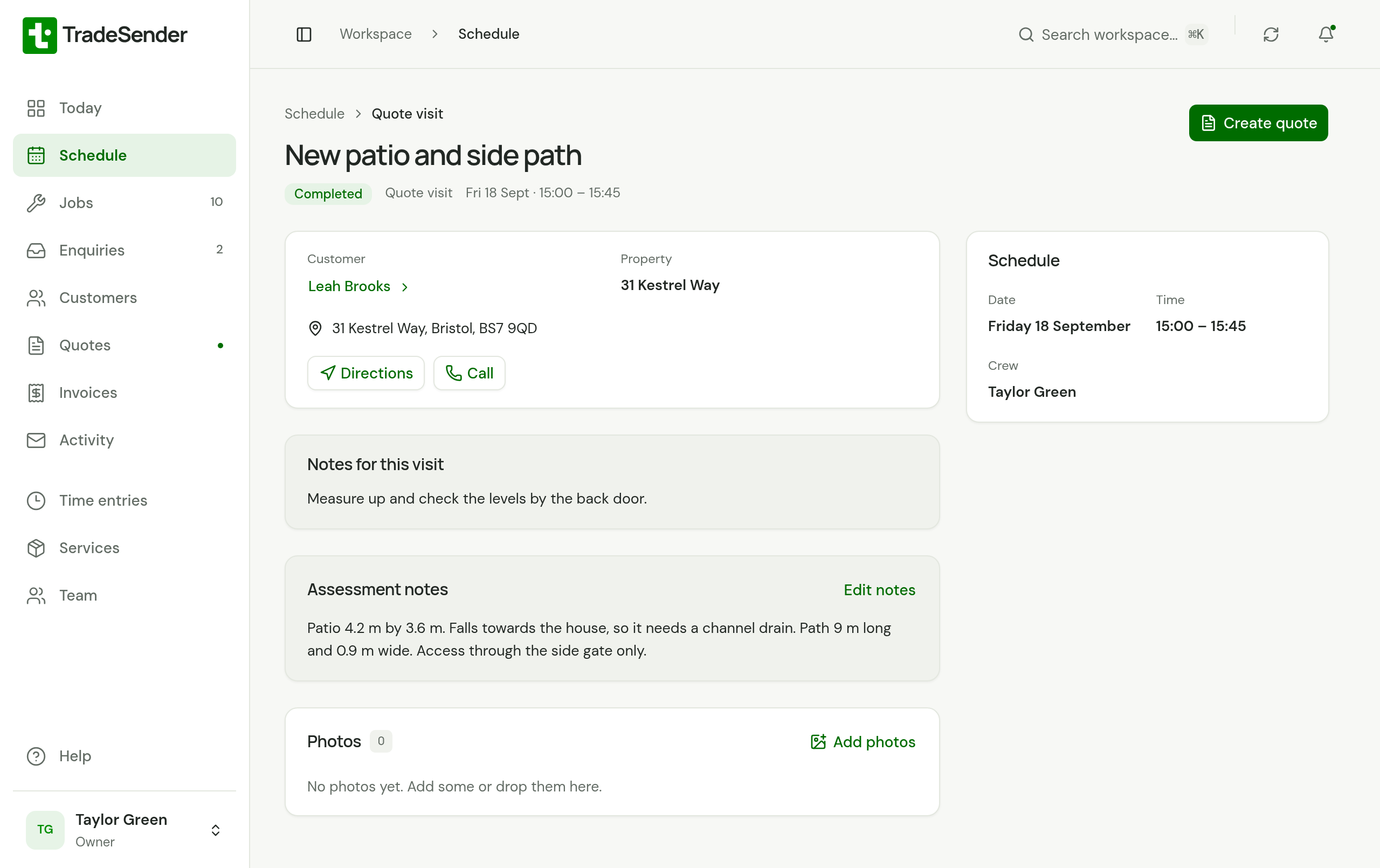
Owners and office members see Create quote. Once the quote exists, the visit shows Open quote in its place, and the quote keeps the visit's customer and property.
Good to know
- A quote visit is not invoiced. It has no job and no price, so it never appears on an invoice or under work to invoice.
- Time recorded on a quote visit is listed under Time entries like any other.
- With visit reminders switched on, the customer is emailed the evening before a quote visit, as for any visit. See Automatic emails.
- On the Free plan, a quote visit counts as one of the 30 visits you can book in a month. See Plans.
Checked against the app on 29 October 2026. Still stuck? Ask usAsk us.